 FastFreeSoftware

Writer
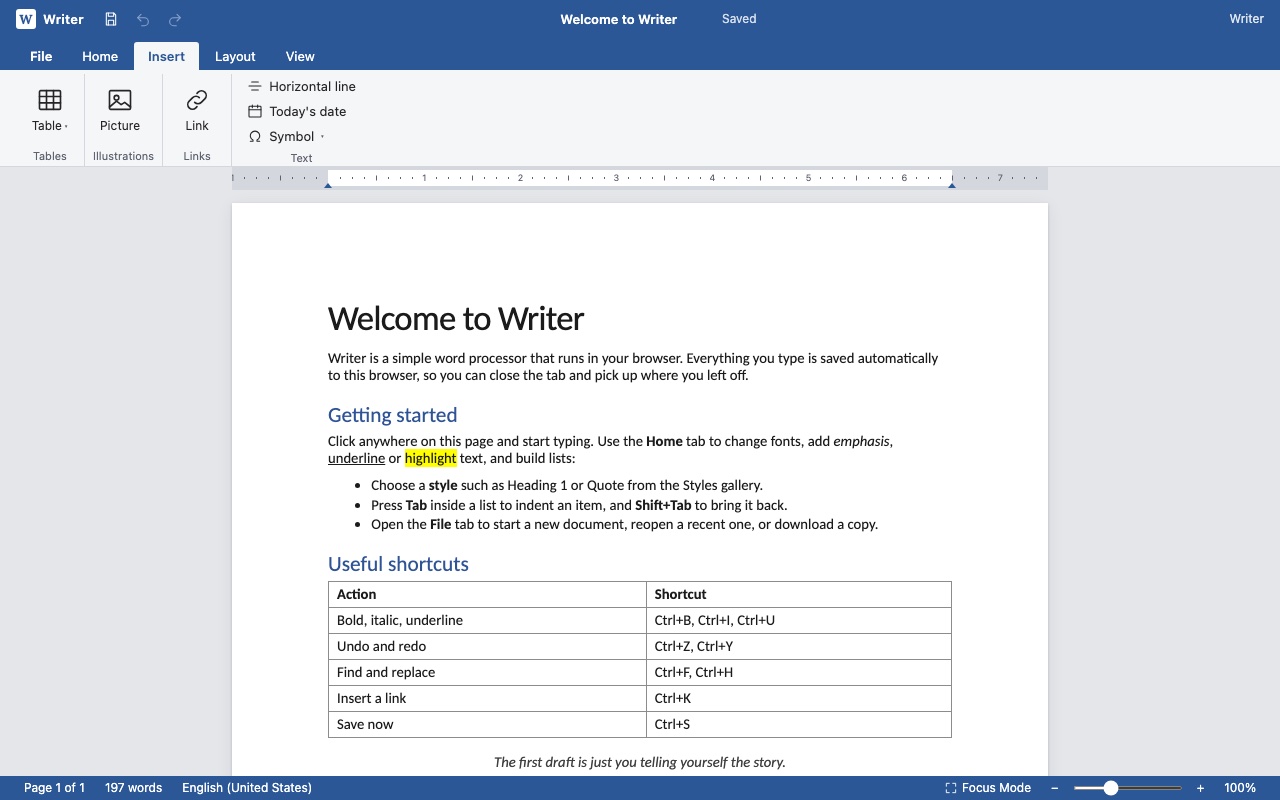
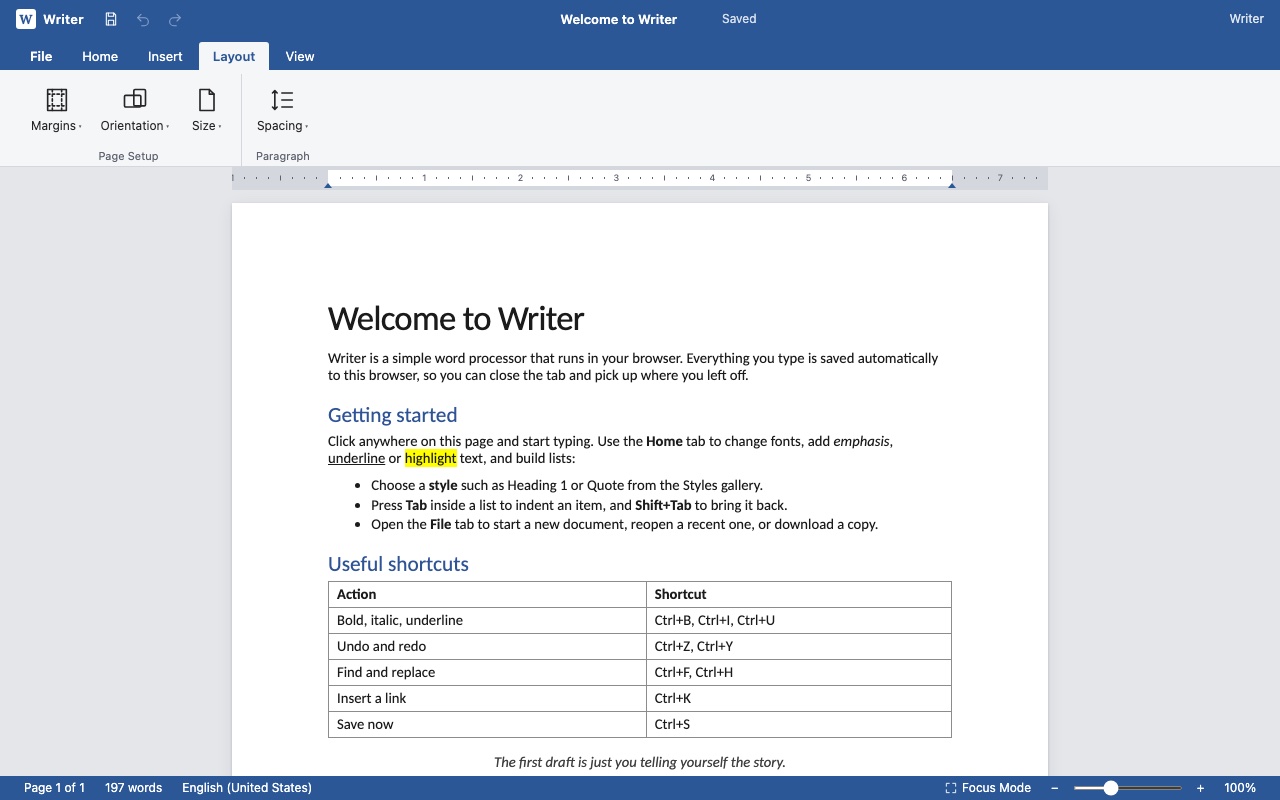
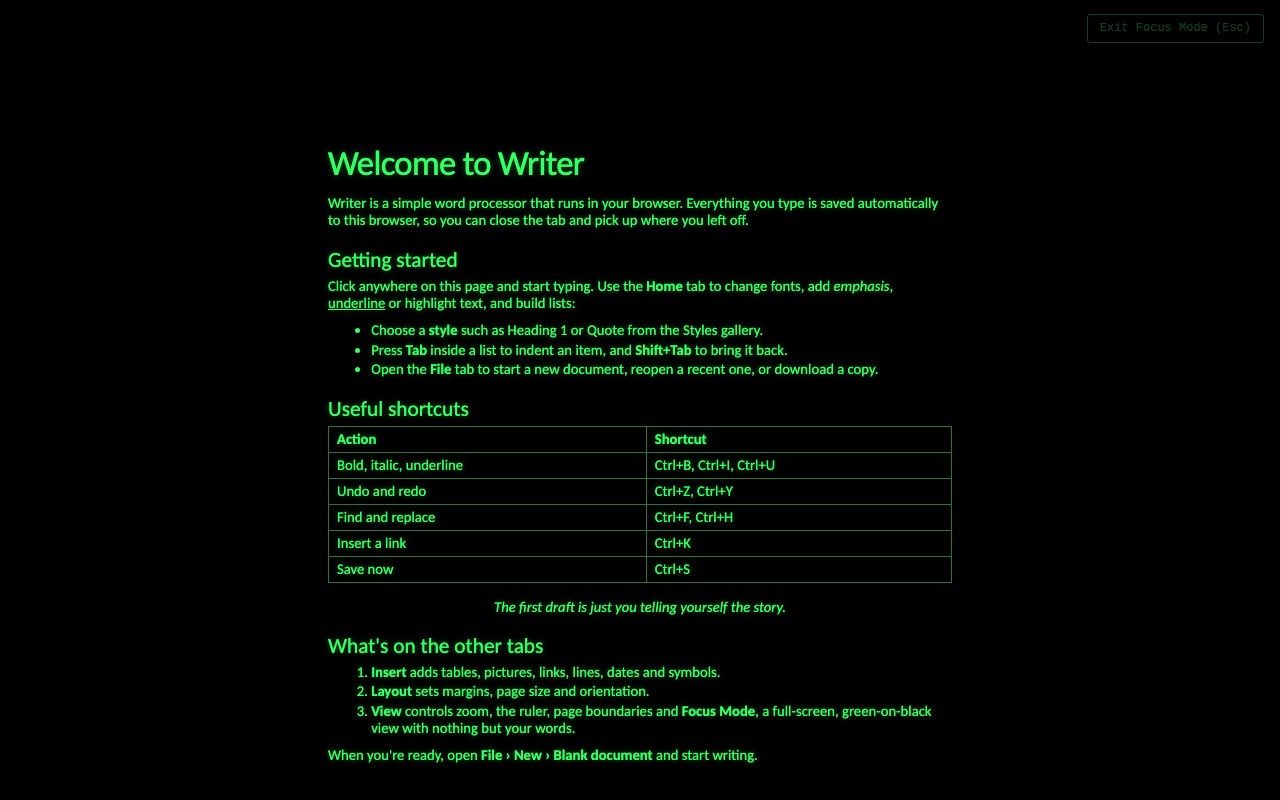
Writer is a simple word processor for Windows and Mac. It looks and feels like the classic desktop word processors, with only the features you actually use: fonts, styles, lists, tables, pictures, page layout, and find and replace. Your work saves automatically as you type. When you want nothing but your words, press F11 for Focus Mode, a full-screen, green-on-black view that hides everything else. The whole download is smaller than most photos.
Version 1.1.0
What's New
- SethWriter is now called Writer, with a new W icon
- A Mac version, with the Mac menu bar, ⌘ shortcuts, Print, and Focus Mode on ⌃⌘F
- Writer now shows up in Apps & features on Windows
- Opens in Google Chrome on Windows versions without Microsoft Edge
- Documents from SethWriter move over to Writer on its first run
Installing on Windows
Open Writer-Setup.exe. If Windows says "Windows protected your PC", choose More info, then Run anyway. Writer adds Start menu and Desktop shortcuts and opens. To remove it later, use Apps & features. Download any documents you want to keep first, because uninstalling removes them.
Installing on Mac
Open Writer.dmg and drag Writer onto Applications. The first time you open it, macOS may say it can't check the app. Choose Done, then open System Settings › Privacy & Security, scroll down and choose Open Anyway.
Keyboard shortcuts
| Bold, italic, underline | Ctrl+B, Ctrl+I, Ctrl+U |
| Undo, redo | Ctrl+Z, Ctrl+Y |
| Find, replace | Ctrl+F, Ctrl+H |
| Insert link | Ctrl+K |
| Save now | Ctrl+S |
| Focus Mode | F11 (Mac: ⌃⌘F) |
Development
Writer's code is on GitHub at StickmanNinja/SethWriter. Report problems on its issues page.