 FastFreeSoftware

Slide Point
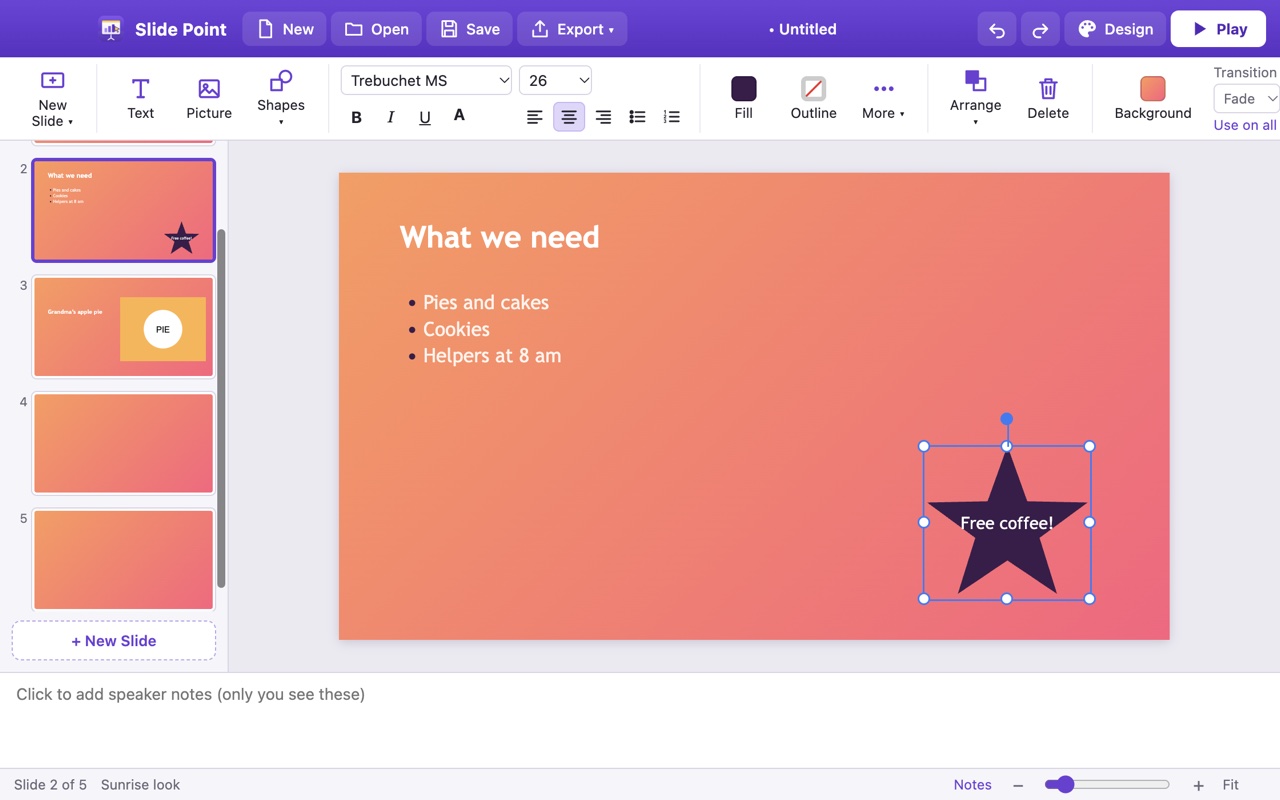
Slide Point makes slide shows on Windows and Mac. Pick a look, click a box, and type. Add your pictures, shapes and lists. Your slides line up down the side, so you can drag them into any order. When you're ready, click Play and your show fills the whole screen. Click or press the arrow key for the next slide. You can also save it as a PowerPoint file or a PDF to email to anyone.

Version 1.0.0
What's New
- First release
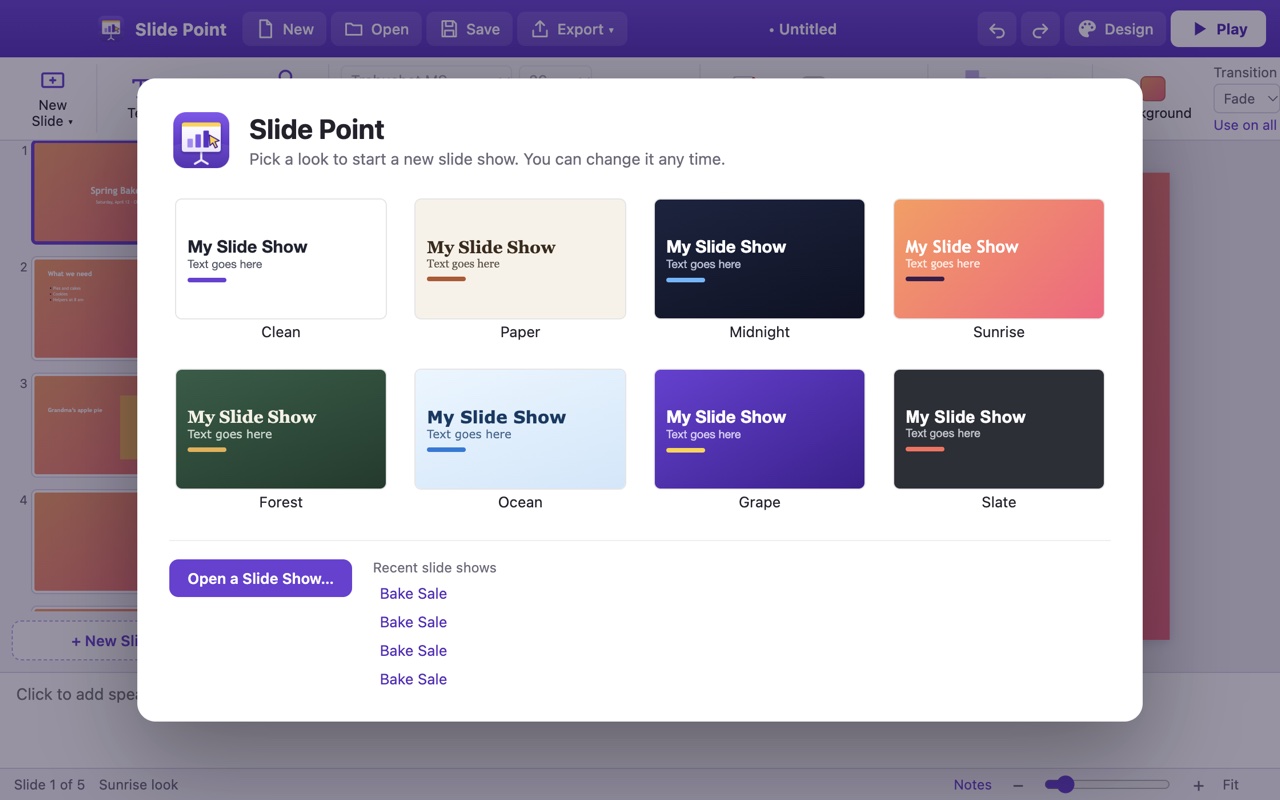
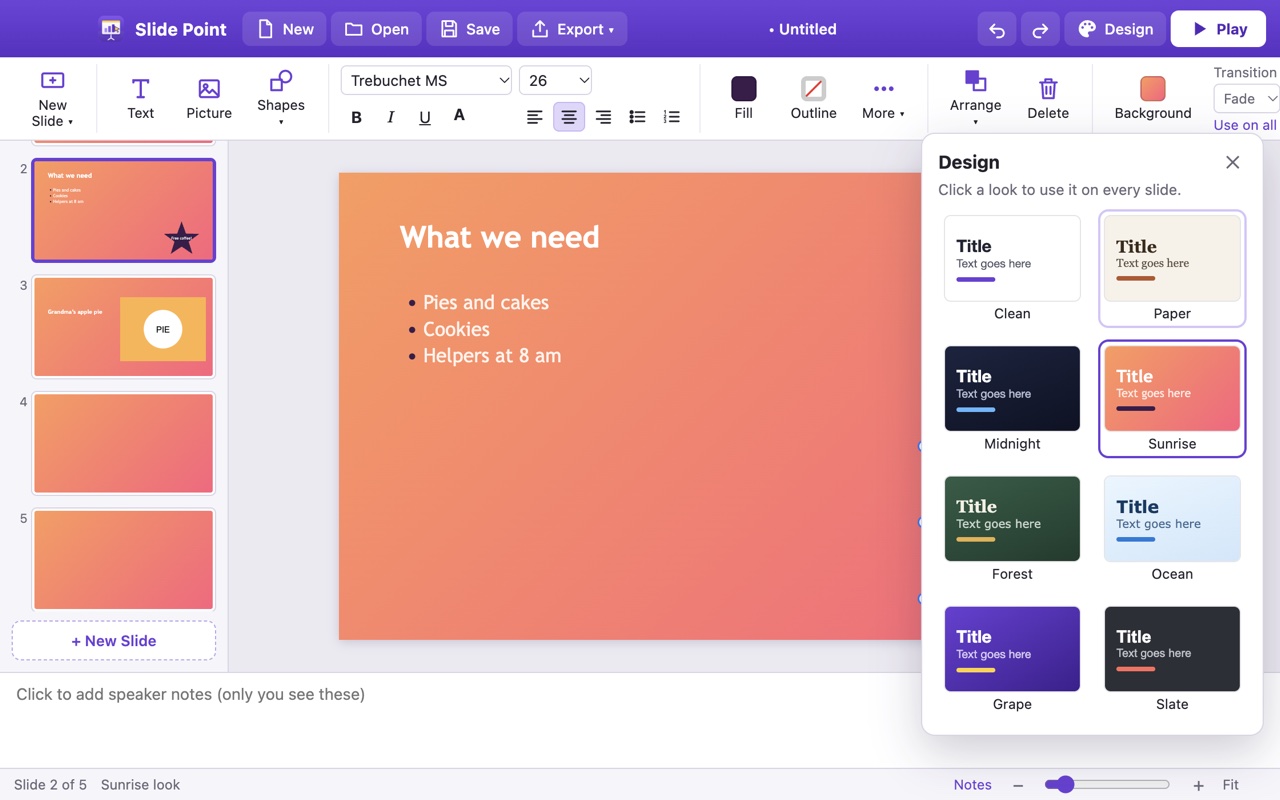
- 8 ready-made looks and 7 slide layouts
- Words, bulleted lists, pictures and 10 shapes
- Play full screen with fade, push, wipe and zoom transitions
- Speaker notes, and save as PowerPoint (.pptx) or PDF
How to make a slide show
- Open Slide Point and click the look you like.
- Click Click to add title and type your title.
- Click New Slide to add the next slide. Type in its boxes the same way.
- To add a picture, click Picture and pick one from your computer. You can also drag a picture straight onto the slide.
- Click Save to keep your work.
Playing your show
Click the white Play button at the top right. Your slides fill the screen. Click, or press the right arrow or space bar, for the next slide. Press the left arrow to go back. Press Esc to stop.
Moving and changing things
Click anything on a slide to pick it. Drag it to move it, or drag the little circles on its edges to make it bigger or smaller. Use Fill to change its color and Delete to remove it. Made a mistake? Click the back arrow at the top to undo.
Sharing with someone who has PowerPoint
Click Export, then Save as PowerPoint (.pptx). The file opens in PowerPoint, Keynote and Google Slides. To send a copy anyone can open, choose Save as PDF instead.
Installing on Windows
Open SlidePoint-Setup.exe. If Windows says "Windows protected your PC", choose More info, then Run anyway. Pick where to install it, and Slide Point adds Start menu and Desktop shortcuts. To remove it later, use Apps & features.
Installing on Mac
Open SlidePoint.dmg and drag Slide Point onto Applications. The first time you open it, macOS may say it can't check the app. Choose Done, then open System Settings › Privacy & Security, scroll down and choose Open Anyway.
About
Slide Point keeps your slide shows on your own computer and never sends them anywhere. Shows are saved as .slidepoint files.